Overcast
Overcast's export lives on its website, not in the app.
- Open overcast.fm in a browser and sign in with the same account as the app.
- Open Account (top right).
- Scroll to Export OPML and tap it. A file named overcast.opml downloads.
Most podcast apps can hand you a list of your shows as one small file. Muuted reads that file and follows every show from its own feed. Here is where the export hides in each app, and what to do when an app has none.
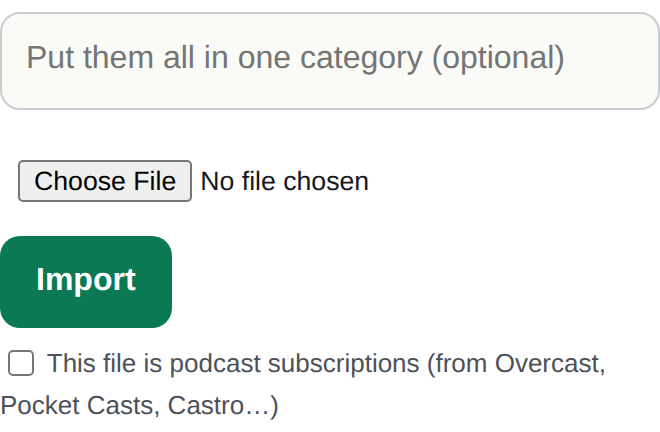
Every app below exports the same kind of file, called OPML. Menus move around between versions, so if a label isn't exactly where this says, look one screen up or down.
Overcast's export lives on its website, not in the app.
In the app.
In the app.
In the app (Android).
No export on iPhone or iPad. The Mac app has none either.
Apple keeps your subscriptions inside its own account, and the app has no export button. The fastest way across is adding shows by name: type the show's name in Muuted's source search and add it. Most people are done in a few minutes.
No export.
Spotify doesn't let you take your list out. Add shows by name instead. One thing to know: a few shows are Spotify exclusives with no public feed, so they can't be followed anywhere else.
Google Podcasts closed in 2024.
If you took the one-time OPML export Google offered before it closed, that file works here. Otherwise your shows are now in YouTube Music, which has no podcast export; add them by name.
For Apple Podcasts, Spotify, or any app that won't export, this takes about a minute per show.
Overcast, Pocket Casts, Castro, AntennaPod and most independent apps export an OPML file. Spotify has no export, and Apple Podcasts on iPhone has no export either; for those, search each show by name in Muuted.
A small text file that lists your subscriptions with each show's feed address. Every podcast app that supports export uses it, and Muuted reads it directly.
No. OPML carries only the list of shows. Muuted follows each show's feed from then on; your old app keeps your history.
Yes. Importing copies the list; it changes nothing in the app you exported from.
That's a different file from Google. Import your YouTube subscriptions walks through it.
Start with 100 sources and 10 muted words free. Founding Pro is $4/mo or $36/yr — later $5/mo · $50/yr.