Home
Continue Watching, your libraries, and a Recently Added rail for each.
Muuted is a Plex client that runs in your browser and applies the same mute words you use on your news. Hide the episodes you don't want to see, get a plain summary from the captions before you press play, and never hand your Plex token to anyone — your browser talks to your own server directly.
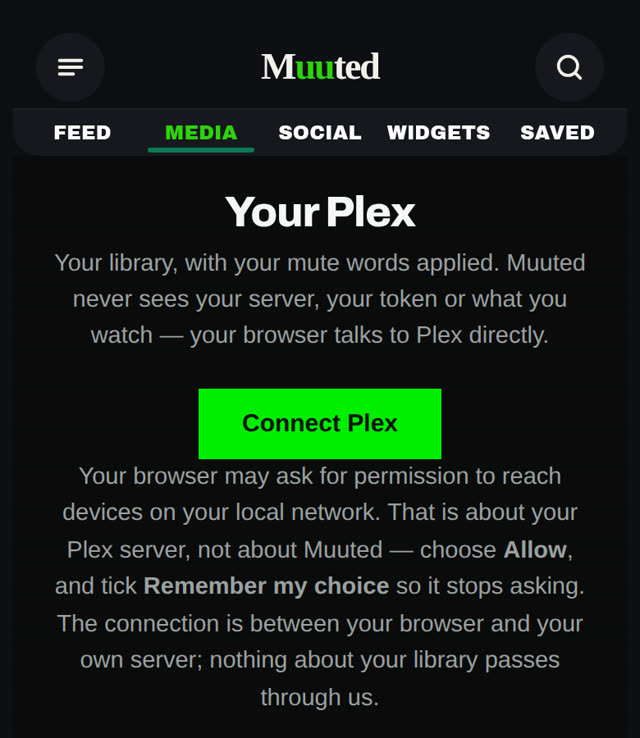
Continue Watching, your libraries, and a Recently Added rail for each.
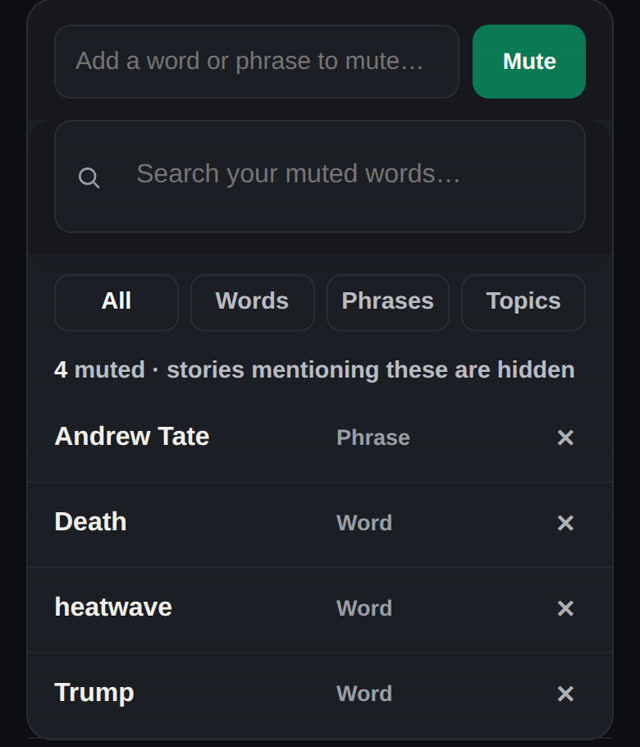
Episodes whose titles match a mute word are hidden, and autoplay skips them.
Four or five sentences on what happens, written from the captions on your server.
Nothing about your server, library or viewing passes through Muuted.
Plex is good at storing and playing your library. It is not built to hide things from you. Muuted already knows what you never want to see — the words you muted across your news, podcasts and video — so the Plex lane applies that list to your library too. It is the same idea as an RSS reader with filtering, pointed at your own media server.
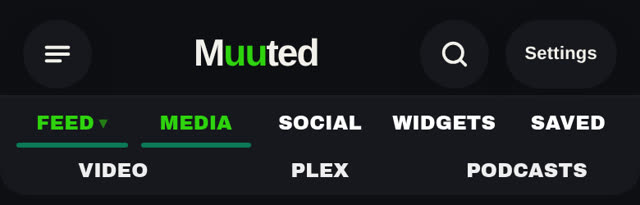
Plex sits in the MEDIA lane, next to Video and Podcasts. Muuted shows a four-character code. Enter it on plex.tv/link, pick your server, and your libraries appear. Reorder or hide libraries from the settings — that arrangement lives on your device, not on our servers.
An episode whose title contains a muted word drops out of every library view, every rail and every search result. A short line says how many were hidden, so nothing vanishes silently. Autoplay skips a muted next episode instead of offering it.
Tap to play, tap the edges to skip, change the speed, go fullscreen. When an episode ends, the next unmuted one is offered. Mark things watched or unwatched, and if it's your server, delete a file you're done with.
Open an episode's menu and choose Summarise from captions. Your browser pulls the subtitle track from your own server, sends only that text to Muuted, and gets back four or five plain sentences about what happens. The captions are not kept.
The menu on any episode has Summarise from captions. The answer is four or five plain sentences about what happens, in past tense, so you can decide whether tonight is the night for that episode.
No title, no server address, no token and no record of what you watched travels with the caption text.
No title, no server address, no token and no record of what you watched travels with the text. The summary is written and the text is dropped.
Plex has to be able to hand over a separate caption file. Subtitles burned into the picture cannot be read, and the page tells you so rather than guessing.
The summary says what happens, in past tense, so you can decide whether tonight is the night for that episode. It is not a review and it does not carry a rating.
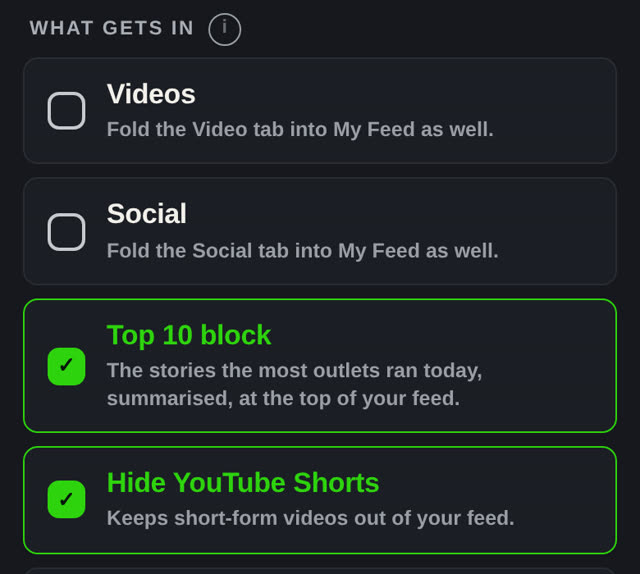
Muuted treats a YouTube channel like any other source: new videos land in your feed in published order, next to your news, with no up-next and no recommendation engine. How to follow YouTube without recommendations.
Muuted drops Shorts from your video feed. It is a setting, on by default, and you can turn it off if you miss them.
If you run Plex at home, a tool like Pinchflat can fetch your channels into a Plex library on your own server — each channel becomes a show, each video an episode. Muuted exports your sources as OPML so the channel list is yours to hand over, and the Plex lane then browses that library with your mute words applied. Muuted never downloads, stores or serves the video.
An integration that holds your Plex token is one more place it can leak from. Muuted's Plex lane is a page that runs in your browser: it signs in with plex.tv, finds your server over Plex's own secure address, and streams from it directly. Our server contributes one thing — your mute words — and receives one thing, and only when you ask for it: caption text for a summary.
Your token, your server's address, the list of your libraries, the arrangement of your tabs and everything you play. None of it is sent to Muuted.
Chrome and Edge now ask before a website reaches a device on your home network. That prompt is about your Plex server, not about us — choose Allow and tick Remember my choice. Safari does not ask.
No. Your browser signs in at plex.tv/link and talks to your own server directly. The token, the server address, your libraries and what you watch stay in your browser. The only thing our server sends the page is your own list of mute words.
The same thing they do in your news feed. An episode whose title contains a muted word is hidden from every library view and from search, and autoplay skips past it to the next unmuted episode. A small line tells you how many were hidden.
Tap an episode and choose Summarise from captions. Your browser reads the subtitle track from your own server and sends only that text to Muuted, which writes four or five plain sentences about what happens and then discards the text. It needs a separate subtitle file; captions burned into the picture cannot be read.
No. Muuted never touches the files. If you want YouTube channels on Plex, a tool like Pinchflat running on your own server does the fetching and your server does the storing. Muuted is the filtered front door.
Because your browser is reaching your Plex server on your home network, not because Muuted is. Choose Allow and tick Remember my choice. Safari does not ask.
It is part of Pro. Following YouTube channels in your feed, with Shorts hidden, is free. Your first week includes everything in Pro, so you can connect your server and try it before paying.
Start with 100 sources and 10 muted words free. Founding Pro is $4/mo or $36/yr — later $5/mo · $50/yr.